
Communication that keeps you connected
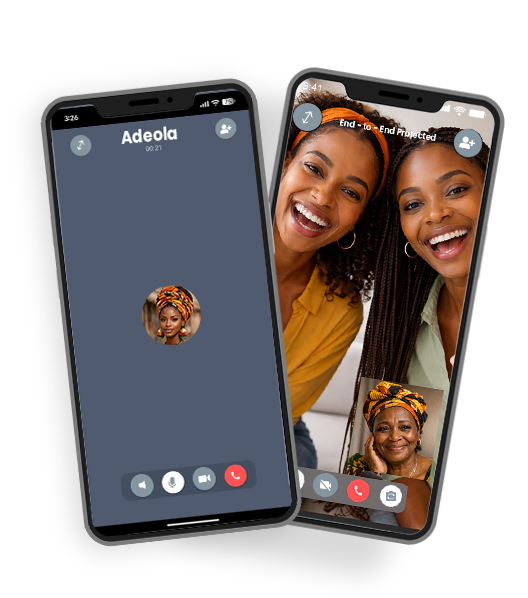
Private calling, made simple
Show what’s on your device in real time during a video call.
You can easily share your screen during calls.
Use built-in reactions and video effects to make conversations more expressive.
Enjoy voice and video calls on supported desktop and tablet devices.
Organise group conversations and start calls when everyone is ready.

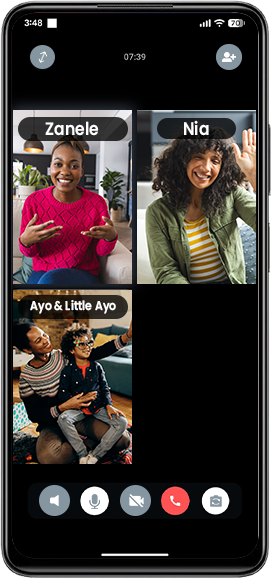
Group calls, without limits
-
What is ZuluApp?
ZuluApp is a free and secure voice and video calling app that allows you to stay connected with your friends and family.
-
What is ZuluApp?
ZuluApp is a free and secure voice and video calling app that allows you to stay connected with your friends and family.
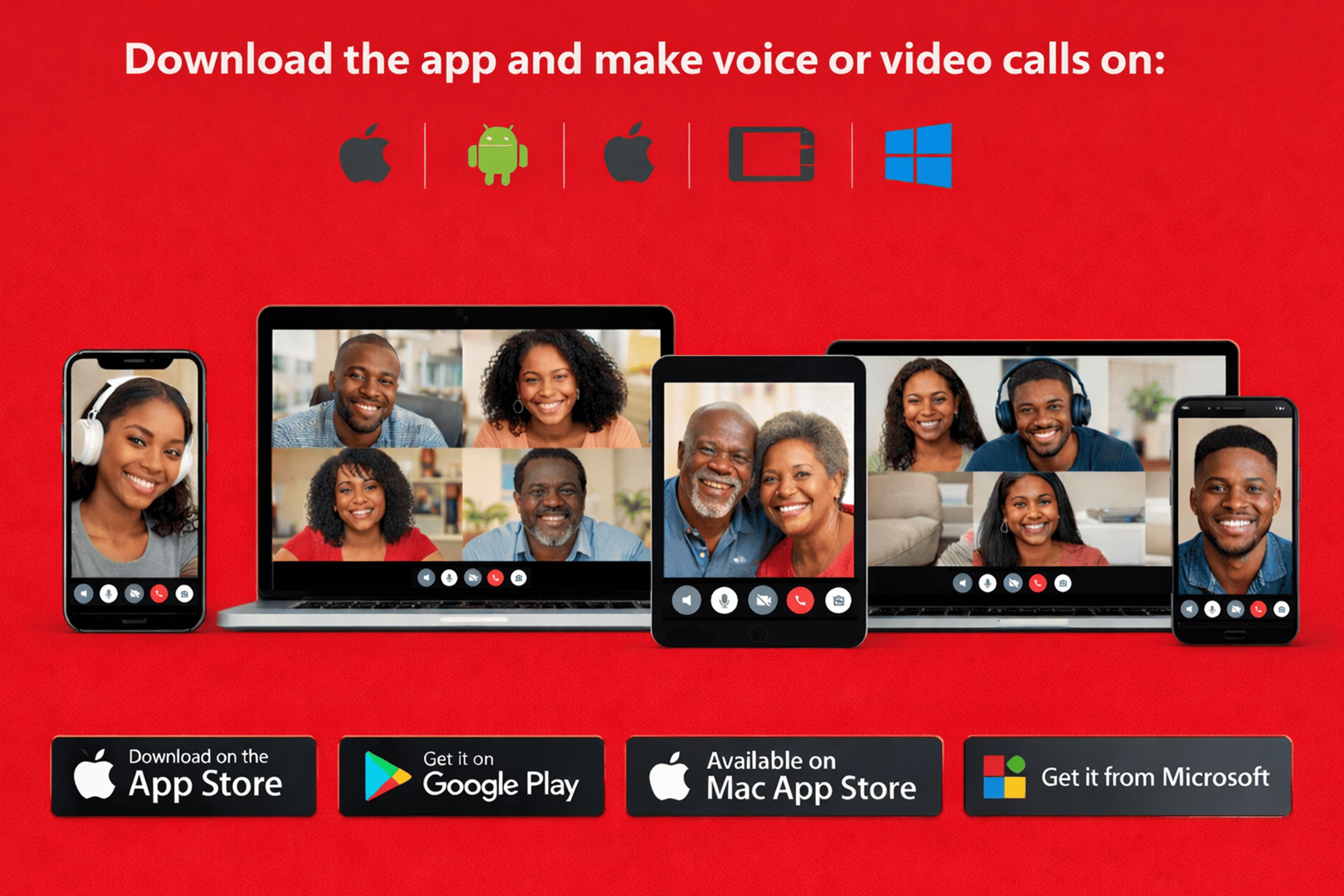
Stay connected, wherever you are
Need more help?
ZuluApp allows you to make group voice calls with your contacts, even when they are in different countries. Calls are made over an internet connection rather than using mobile call minutes. Standard data charges may apply.
- To start a group voice call:
- Open the group chat you want to call.
- A third itemSelect the call icon to begin the voice call.
- You can also start a group call by selecting multiple contacts from the Calls tab and initiating a voice call directly.
ZuluApp allows you to start group video calls with your contacts using an internet connection. This makes it easy to connect face-to-face with people in different locations. Standard data charges may apply.
- To start a group video call:
- Open the group chat you want to call.
- Select the video icon to begin the call.
- You can also start a group video call by selecting multiple contacts from the Calls tab and initiating a video call directly.
Screen sharing lets participants show what’s on their device in real time during a video call.
- To share your screen:
- Join or start a video call.
- Open the video call controls and select More options (three dots).
- Tap Share screen to begin.
Linked devices allow you to access your ZuluApp account across multiple devices in a secure and reliable way. You can connect up to four additional devices while keeping your primary phone as the main account holder.
Your primary phone is required to register your ZuluApp account and to link new devices.